Who's on your Wi-Fi?
Open your router's app (or type 192.168.1.1 or 192.168.0.1 in a browser) and find Connected devices. Don't recognize something? Block it, then change your Wi-Fi password.
Quick IT fixes · plain English
Short, no-jargon tips from a working IT consultant. Lock down your Wi-Fi, speed up your phone and PC, and use AI tools safely, one quick patch at a time.
Featured guide · PDF
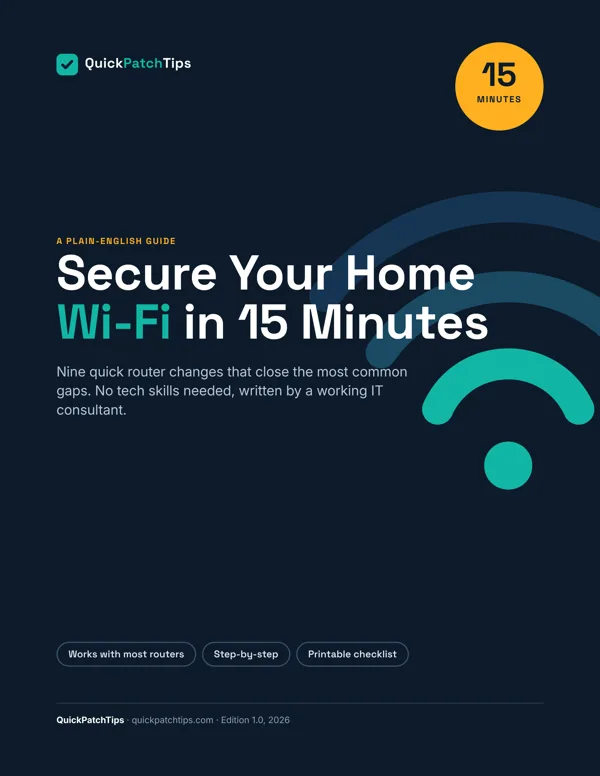
Most routers ship with settings chosen for easy setup, not safety. This 15-page, beginner-friendly guide walks you through the changes that matter most, with notes on where the menus live for popular router brands.
Instant PDF download. General guidance; menus vary by router model.
Free quick tips
Open your router's app (or type 192.168.1.1 or 192.168.0.1 in a browser) and find Connected devices. Don't recognize something? Block it, then change your Wi-Fi password.
Press Win + V and click Turn on. Windows now remembers what you copy, so you can paste earlier items and pin ones you use often.
iPhone: Settings › Phone (or Apps › Phone) › Silence Unknown Callers. Pixel: Phone app › Settings › Caller ID & spam. Silenced calls still go to voicemail.
Your email resets every other password. Turn on 2-step verification in its security settings, add a passkey if offered, and keep backup codes somewhere offline.
Follow along
30-second tech tips, no face, no fluff. Find us as @quickpatchtips.